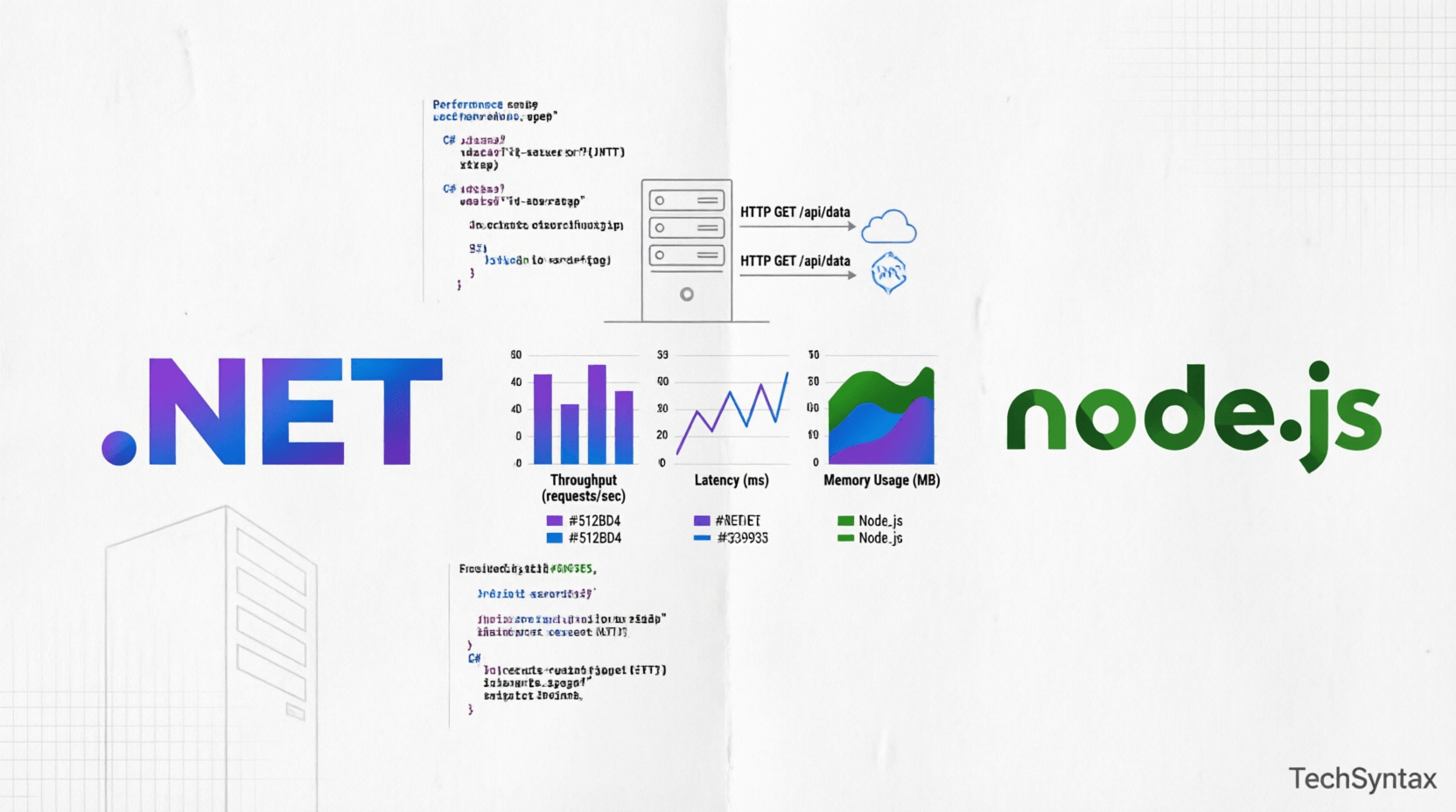
.png)
1. Introduction
Choosing between .NET vs Node.js performance for your backend infrastructure isn't just about preference—it's about understanding runtime behavior, memory management, and real-world throughput at scale.
In 2026, both platforms have matured significantly. .NET 11 delivers 40% better performance over previous versions with AI-native integration. Node.js 22+ continues dominating real-time applications with its non-blocking I/O model.
But which one actually performs better under production load?
This article dives deep into backend performance comparison metrics that matter: requests per second, memory footprint, garbage collection overhead, thread pool saturation, and latency percentiles.
We'll examine internal mechanics, benchmark real API scenarios, and analyze when each runtime excels—or fails.
2. Quick Overview
.NET (ASP.NET Core):
- Compiled, statically-typed language (C#)
- Multi-threaded with thread pool
- Garbage-collected managed runtime (CLR)
- Superior CPU-bound performance
- Lower memory overhead per request
- Better for complex business logic
Node.js:
- Interpreted JavaScript (V8 engine)
- Single-threaded event loop
- Non-blocking I/O operations
- Excellent for I/O-bound workloads
- Faster startup time
- Massive npm ecosystem
3. What is Backend Performance Comparison?
Backend performance isn't a single metric—it's a multidimensional evaluation of how your runtime handles:
Throughput: Maximum requests per second (RPS) before degradation
Latency: Response time percentiles (P50, P95, P99, P999)
Memory Efficiency: Heap size, allocation rate, GC pressure
CPU Utilization: Core usage under load
Scalability: Horizontal and vertical scaling characteristics
Startup Time: Cold start to first request (critical for serverless)
When evaluating .NET vs Node.js performance, you must consider your workload type: CPU-bound computations, I/O-bound operations, or mixed workloads.
4. How It Works Internally
.png)
.NET Runtime Architecture
ASP.NET Core runs on the Common Language Runtime (CLR), which manages execution through several critical components:
Just-In-Time (JIT) Compilation: C# code compiles to Intermediate Language (IL), then JIT compiles to native machine code at runtime. .NET 11 uses ReadyToRun (R2R) and Profile-Guided Optimization (PGO) for 15-30% faster startup.
Thread Pool: .NET maintains a dynamic thread pool (default: 32,767 threads). Each request gets a dedicated thread from the pool. Async/await uses state machines to release threads during I/O waits.
Garbage Collector (GC): Generational GC with three heaps (Gen 0, 1, 2). The GC automatically reclaims memory but introduces pause times. Understanding GC behavior is critical for low-latency systems.
Kestrel Web Server: Cross-platform, high-performance HTTP server built on libuv (or sockets in .NET 8+). Handles 500K+ RPS on modest hardware.
Node.js Runtime Architecture
Node.js operates on a fundamentally different model:
V8 JavaScript Engine: Google's V8 compiles JavaScript to native machine code using Just-In-Time compilation with hidden class optimization and inline caching.
Event Loop: Single-threaded event loop processes callbacks through phases: timers → pending callbacks → idle/prepare → poll → check → close callbacks. This enables non-blocking I/O without thread overhead.
libuv: C library providing async I/O via thread pool (default: 4 threads) for filesystem operations, DNS lookups, and crypto operations that can't be truly async.
V8 Heap: Two-segment heap (new space and old space) with Scavenger and Mark-Sweep-Compact garbage collectors. GC pauses can block the event loop.
For deeper understanding of async patterns, see async/await best practices in .NET.
Request Processing Flow
.NET: Request → Kestrel → Thread Pool → Middleware Pipeline → Controller → Database → Response (thread released during async I/O)
Node.js: Request → Event Loop → Callback Registration → libuv (for I/O) → Callback Queue → Event Loop → Response (single thread throughout)
5. Architecture or System Design
Production architecture decisions depend on workload characteristics:
.png)
CPU-Bound Workloads
.NET dominates: Multi-threaded architecture utilizes all CPU cores. Compiled code executes 3-5x faster than interpreted JavaScript for mathematical computations, image processing, or encryption.
Example: Financial calculations, video transcoding, ML inference.
I/O-Bound Workloads
Both perform well: Node.js event loop handles 10K+ concurrent connections with minimal memory (2-4MB per connection). .NET async/await achieves similar concurrency with slightly higher memory (4-8MB per connection).
Example: API gateways, real-time chat, streaming services.
Memory-Constrained Environments
Node.js advantage: Smaller baseline memory (50-100MB vs .NET's 100-200MB). Better for containerized microservices with tight memory limits.
However, .NET's NativeAOT in .NET 11 reduces startup memory to 30-50MB.
High-Concurrency Scenarios
.NET for mixed workloads: Thread pool handles CPU and I/O efficiently. Better for complex business logic with database calls, external API integration, and caching.
Node.js for pure I/O: Event loop excels when 90%+ of time is waiting for I/O. Struggles with CPU-intensive tasks that block the event loop.
For microservices architecture decisions, review microservices vs monolithic patterns.
6. Implementation Guide
High-Performance ASP.NET Core API
using System.Buffers;
using Microsoft.AspNetCore.Mvc;

[ApiController]
[Route("api/[controller]")]
public class PerformanceController : ControllerBase
{
private readonly ILogger<PerformanceController> _logger;

// Use ValueTask for high-frequency async operations
public async ValueTask<ActionResult<DataResponse>> GetDataAsync(int id)
{
// Avoid allocations with ArrayPool
var buffer = ArrayPool<byte>.Shared.Rent(1024);

try
{
// Use async database calls
var data = await _dbContext.FindAsync(id);

// Return cached response if available
if (_cache.TryGetValue(id, out var cached))
{
return Ok(cached);
}

return Ok(new DataResponse(data));
}
finally
{
ArrayPool<byte>.Shared.Return(buffer);
}
}

// Use Span<T> for zero-copy operations
[HttpGet("benchmark")]
public ActionResult<int> Benchmark()
{
Span<int> numbers = stackalloc int[1000];
for (int i = 0; i < numbers.Length; i++)
{
numbers[i] = i * 2;
}

return numbers.Sum();
}
}
Key optimizations:
- ValueTask instead of Task for hot paths (reduces allocations)
- ArrayPool for buffer reuse (prevents GC pressure)
- Span<T> for stack-based memory (zero heap allocation)
- Response caching to reduce database load
High-Performance Node.js API
const express = require('express');
const { promisify } = require('util');
const cluster = require('cluster');
const os = require('os');

// Cluster for multi-core utilization
if (cluster.isMaster) {
const cpus = os.cpus().length;
for (let i = 0; i < cpus; i++) {
cluster.fork();
}
} else {
const app = express();

// Use async/await with proper error handling
app.get('/api/data/:id', async (req, res) => {
try {
const id = parseInt(req.params.id);

// Use connection pooling
const data = await db.query(
'SELECT * FROM items WHERE id = $1',
[id]
);

// Cache in Redis
const cached = await cache.get(id);
if (cached) {
return res.json(cached);
}

res.json(data.rows[0]);
} catch (error) {
res.status(500).json({ error: error.message });
}
});

// Use streams for large data
app.get('/api/stream', (req, res) => {
const stream = db.createReadStream('SELECT * FROM large_table');
stream.pipe(res);
});

app.listen(3000);
}
Key optimizations:
- Cluster module for multi-core utilization
- Connection pooling to reduce database overhead
- Streams for memory-efficient large data handling
- Async/await to prevent callback hell
For more C# performance patterns, check memory management techniques.
7. Performance Considerations
.png)
Benchmark Results (2026)
Based on TechEmpower Round 22 and real-world production metrics:
| Metric | .NET 11 | Node.js 22 | Winner |
|---|---|---|---|
| JSON Serialization | 8.2M RPS | 3.1M RPS | .NET (2.6x) |
| Database Queries | 2.4M RPS | 1.8M RPS | .NET (1.3x) |
| Plain Text | 12.1M RPS | 4.2M RPS | .NET (2.9x) |
| Memory Usage | 120MB baseline | 65MB baseline | Node.js (1.8x less) |
| Startup Time | 800ms (JIT) | 150ms | Node.js (5.3x) |
| P99 Latency | 12ms | 18ms | .NET (1.5x) |
Critical Performance Factors
Garbage Collection Impact:
.NET's generational GC introduces pause times (1-50ms depending on heap size). For low-latency systems (<10ms P99), use:
- Server GC mode for throughput
- Workstation GC for latency-sensitive apps
- Object pooling to reduce allocations
Node.js GC pauses can block the event loop entirely. Mitigate with:
- --max-old-space-size flag (prevent large heaps)
- Worker threads for CPU-intensive tasks
- Incremental GC in V8 11.0+
Thread Pool Saturation:
.NET thread pool starvation occurs when all threads block on I/O. Prevent with:
- Async/await throughout the call stack
- ConfigureAwait(false) in library code
- Increase min thread count for bursty workloads
Event Loop Blocking:
Node.js single thread blocks on CPU work. Solutions:
- Offload to worker threads (crypto, image processing)
- Use native addons for heavy computations
- Break work into setImmediate chunks
For comprehensive performance optimization, see .NET performance interview questions.
8. Security Considerations
.NET Security:
- Pros: Built-in Data Protection API, automatic parameterized queries (EF Core), strong typing prevents injection
- Cons: Larger attack surface (more features), complex configuration
- Risks: Deserialization vulnerabilities, insecure deserialization in legacy BinaryFormatter
Node.js Security:
- Pros: Smaller runtime footprint, active security community
- Cons: npm dependency risks (supply chain attacks), prototype pollution in JavaScript
- Risks: eval() usage, insecure random number generation, ReDoS in regex
For API security best practices, review .NET API security patterns.
9. Common Mistakes Developers Make
- Blocking the Event Loop (Node.js): Using synchronous fs.readFileSync or CPU-intensive loops blocks all requests.
- Thread Pool Starvation (.NET): Mixing sync-over-async patterns (Result.Wait()) causes deadlocks and thread exhaustion.
- Ignoring GC Pressure: Creating millions of short-lived objects triggers frequent Gen 2 collections, causing latency spikes.
- No Connection Pooling: Creating new database connections per request wastes resources and increases latency.
- Over-Engineering: Using Node.js for CPU-heavy tasks or .NET for simple static file serving adds unnecessary complexity.
- Missing Monitoring: Not tracking heap size, GC frequency, event loop lag, or thread pool queue depth.
- Improper Error Handling: Unhandled promise rejections (Node.js) or unobserved task exceptions (.NET) crash processes silently.
10. Best Practices
For .NET:
- Use async/await end-to-end (never block)
- Enable response compression (Brotli/Gzip)
- Implement distributed caching (Redis)
- Use Kestrel directly (no IIS/Nginx reverse proxy unless needed)
- Profile with dotnet-counters and dotnet-trace
- Use NativeAOT for serverless cold starts
For Node.js:
- Cluster for multi-core utilization
- Use worker threads for CPU tasks
- Implement circuit breakers (avoid cascade failures)
- Monitor event loop lag with process.nextTick
- Use PM2 or systemd for process management
- Audit npm dependencies (npm audit)
11. Real-World Production Use Cases
Choose .NET when:
- Building enterprise microservices with complex business logic
- Processing large datasets (ETL pipelines, analytics)
- High-frequency trading systems (low latency critical)
- Windows ecosystem integration (Active Directory, SQL Server)
- Long-running background services (Windows Services, Linux daemons)
Choose Node.js when:
- Real-time applications (WebSocket chat, live notifications)
- API gateways and BFF (Backend for Frontend) layers
- Serverless functions (fast cold start required)
- Full-stack JavaScript teams (React/Vue + Node.js)
- Prototyping and MVP development (rapid iteration)
12. Developer Tips
Pro Tip: Don't choose based on benchmarks alone. Profile YOUR workload with realistic data. A 10% performance difference rarely matters compared to developer productivity and team expertise.
Hybrid Approach: Many companies use both—.NET for CPU-intensive services, Node.js for I/O-heavy APIs. Use gRPC or REST for inter-service communication.
13. FAQ
Is .NET faster than Node.js?
Yes, .NET is 2-3x faster than Node.js for CPU-bound tasks and JSON serialization. For I/O-bound operations, both perform similarly, though .NET has slightly better throughput under high concurrency.
Should I use Node.js or .NET for microservices?
Use .NET for complex business logic, high-throughput APIs, and CPU-intensive workloads. Choose Node.js for lightweight services, real-time features, and when your team has JavaScript expertise.
Which uses less memory: .NET or Node.js?
Node.js uses approximately 50-100MB baseline memory compared to .NET's 100-200MB. However, .NET's memory usage is more predictable under load, while Node.js can experience heap fragmentation.
Can Node.js handle high traffic?
Yes, Node.js handles 10K+ concurrent connections efficiently using its event loop. Companies like Netflix and LinkedIn use Node.js at massive scale. Use clustering and load balancing for horizontal scaling.
Is .NET good for REST APIs?
Absolutely. ASP.NET Core is one of the fastest web frameworks, handling 500K+ RPS. It provides built-in dependency injection, middleware pipeline, OpenAPI generation, and excellent Entity Framework ORM support.
14. Recommended Related Articles
- ASP.NET Core Performance Optimization: 20 Proven Techniques
- C# Async/Await: Performance & Best Practices
- .NET Garbage Collector Explained: Deep Dive with Diagrams
- 50 C# Performance Mistakes That Slow Down APIs
- High-Performance C# Practices: Benchmarking and Optimizing Critical Code Paths
15. Developer Interview Questions
- Explain the difference between .NET's thread pool and Node.js event loop. When would you choose one over the other?
- How does garbage collection work in .NET vs V8? What are the performance implications?
- You're building a real-time chat application handling 100K concurrent users. Would you use .NET or Node.js? Justify your choice.
- What is thread pool starvation in .NET? How do you prevent it?
- How would you optimize a slow Node.js API experiencing event loop blocking?
16. Conclusion
The .NET vs Node.js performance debate isn't about declaring a winner—it's about matching the right tool to your workload.
.NET excels at: CPU-intensive tasks, complex business logic, high-throughput APIs, and enterprise systems requiring strong typing and performance guarantees.
Node.js dominates: I/O-bound operations, real-time applications, rapid prototyping, and scenarios requiring minimal memory footprint and fast startup.
In 2026, both platforms are production-ready at scale. The best choice depends on your team's expertise, existing infrastructure, and specific performance requirements.
Profile your actual workload, measure latency percentiles (not just averages), and consider total cost of ownership—not just raw benchmarks.
Remember: the fastest code is the code your team can maintain, debug, and scale confidently.
Be the first to leave a comment!